
Listary for Education
Focus on Learning , Not Files-Digging
One Tool to Instantly Locate Assignments, Papers, and Lecture Slides – Simplifying Learning and Teaching.
Find your files. Instantly.
From lecture slides to lab reports — find it fast.
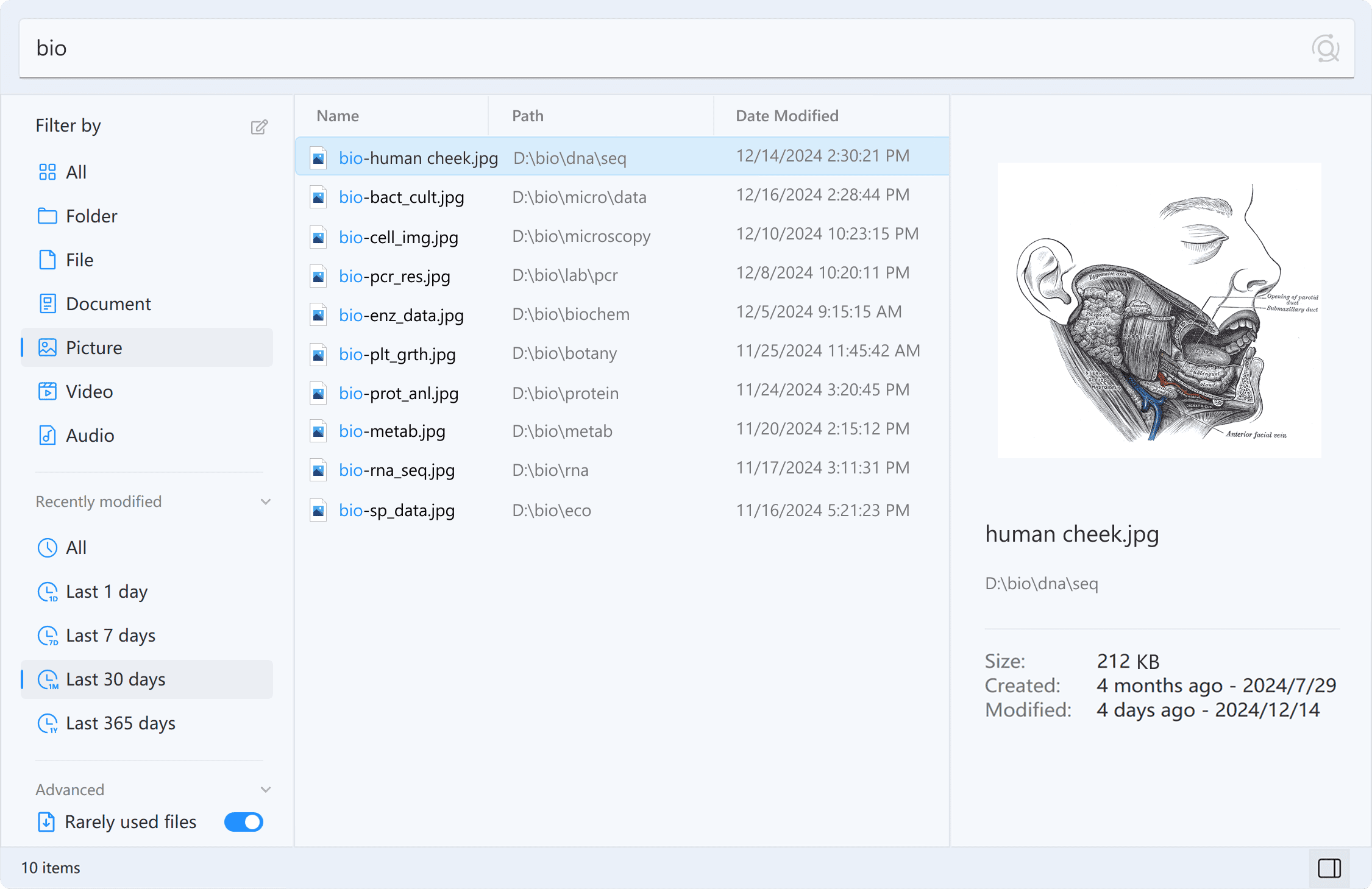


Lightning-Fast Search
Instantly find files and folders by name.
One-Click Filters
Filter by file type, date, and more with a single click.
Instant Preview
Press Alt+P to preview files without opening them.
It's not just for finding files.
It's for everything you do with them.

Your Shortcut to Saving and Opening Papers
Listary's quick switch lets you skip the hassle and access files instantly when saving, opening, or downloading

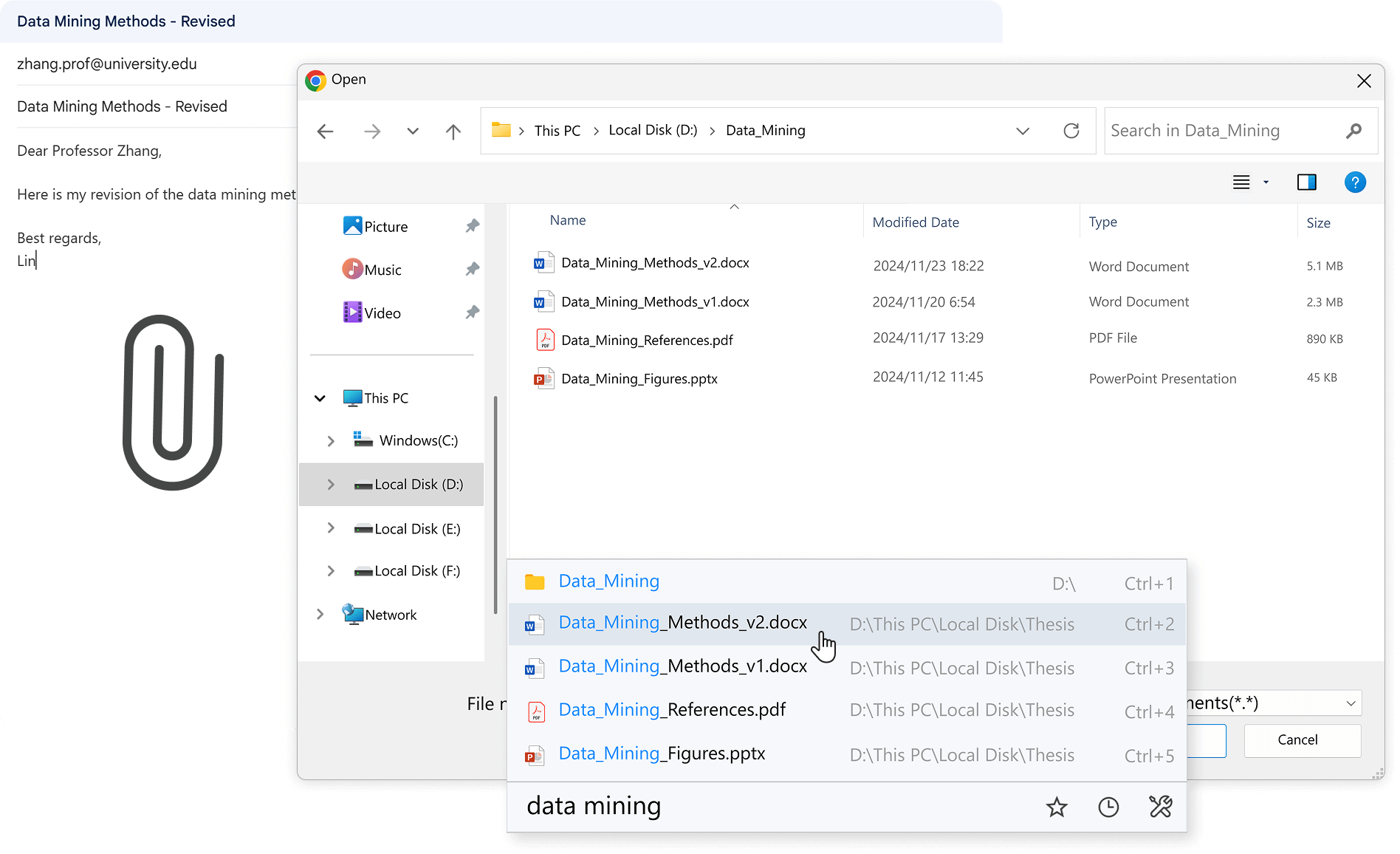
Attach Files Instantly
Enter keywords to instantly find and attach the files you need.

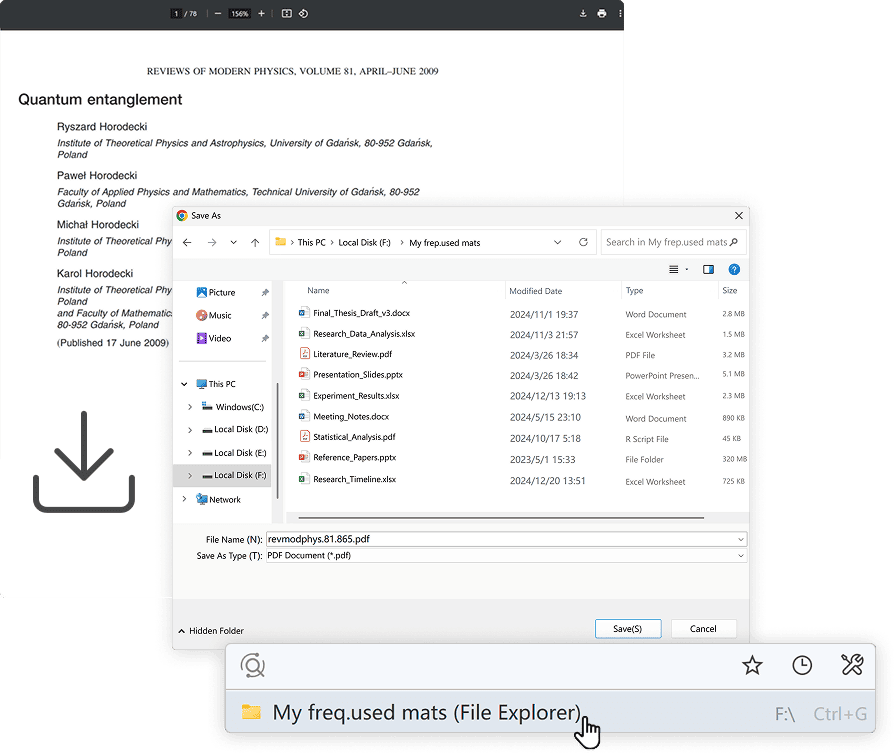
Effortless Downloads
Automatically locate recommended download folders to save time.

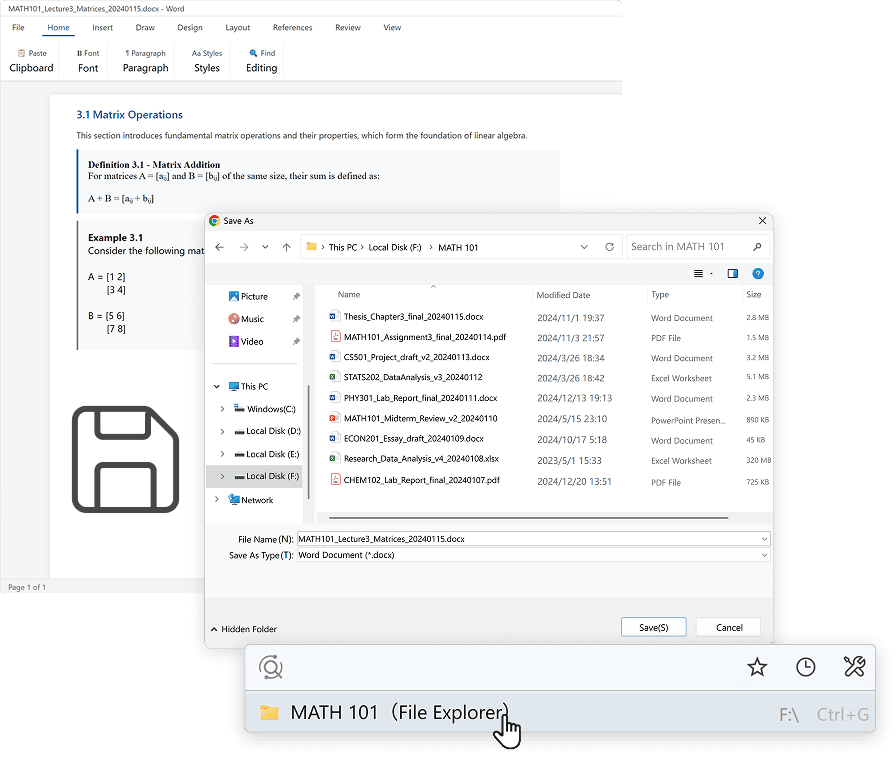
Smart Saves
Quickly access frequently used folders to save your work.
Stay Ahead with Listary
Quickly locate files, launch tools, and search the web with Listary's powerful launcher—all in one place.

Find Files in a Flash
Quickly locate recent course materials with precision and ease.
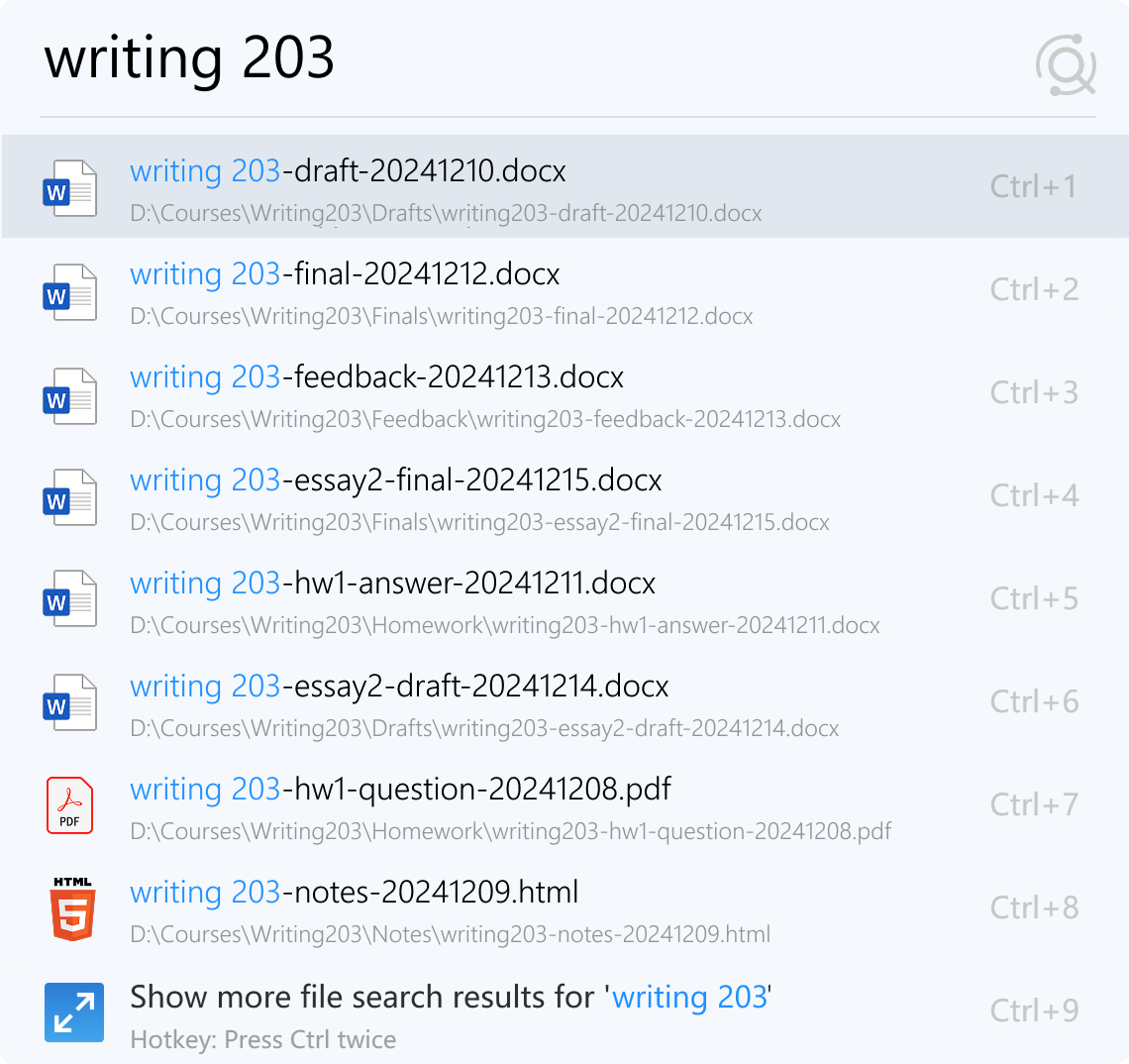

Launch Tools Instantly
Launch MATLAB, Slides, and more tools in seconds.
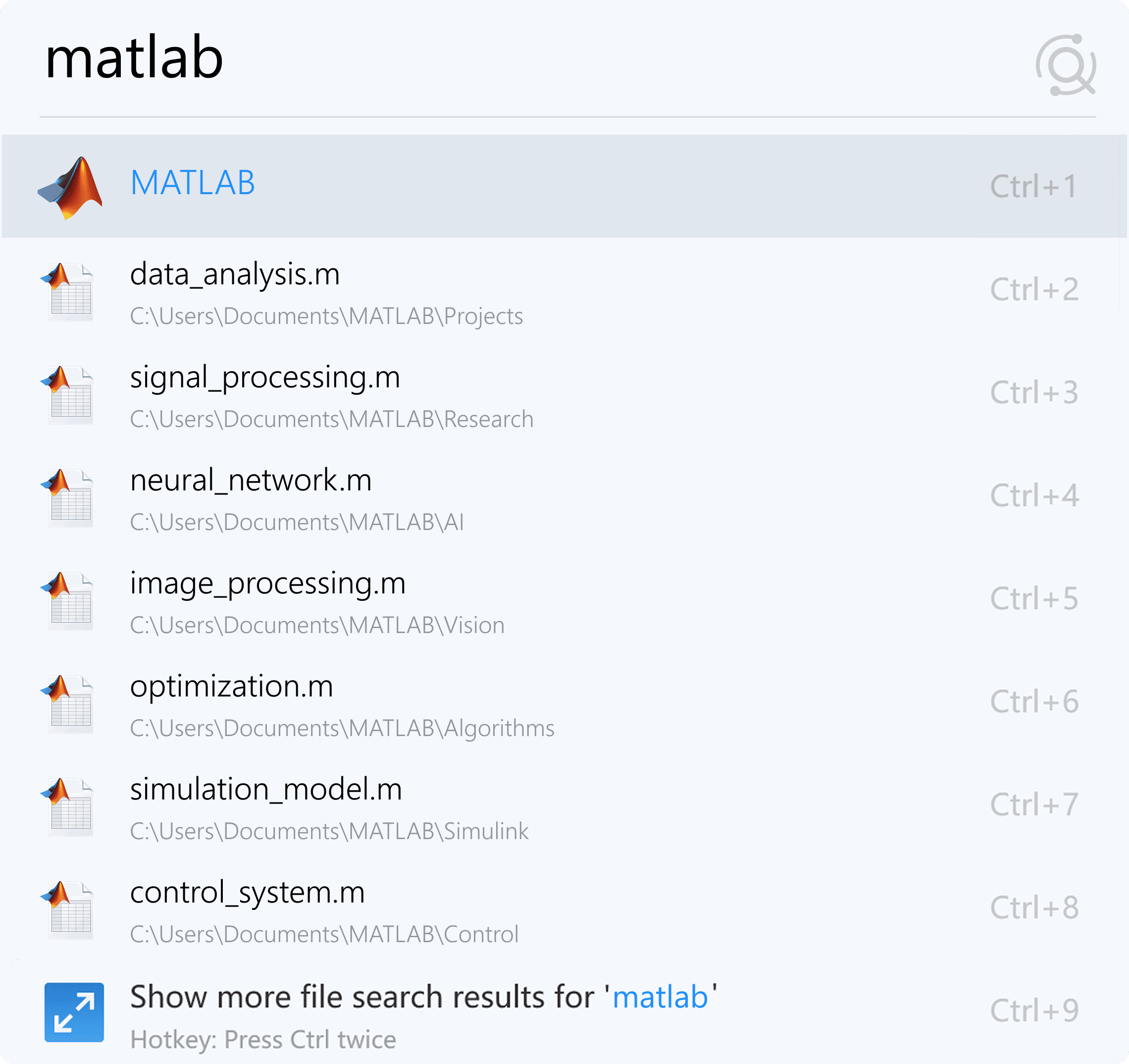

Quick Web Search
Instantly access internet resources right from your desktop.
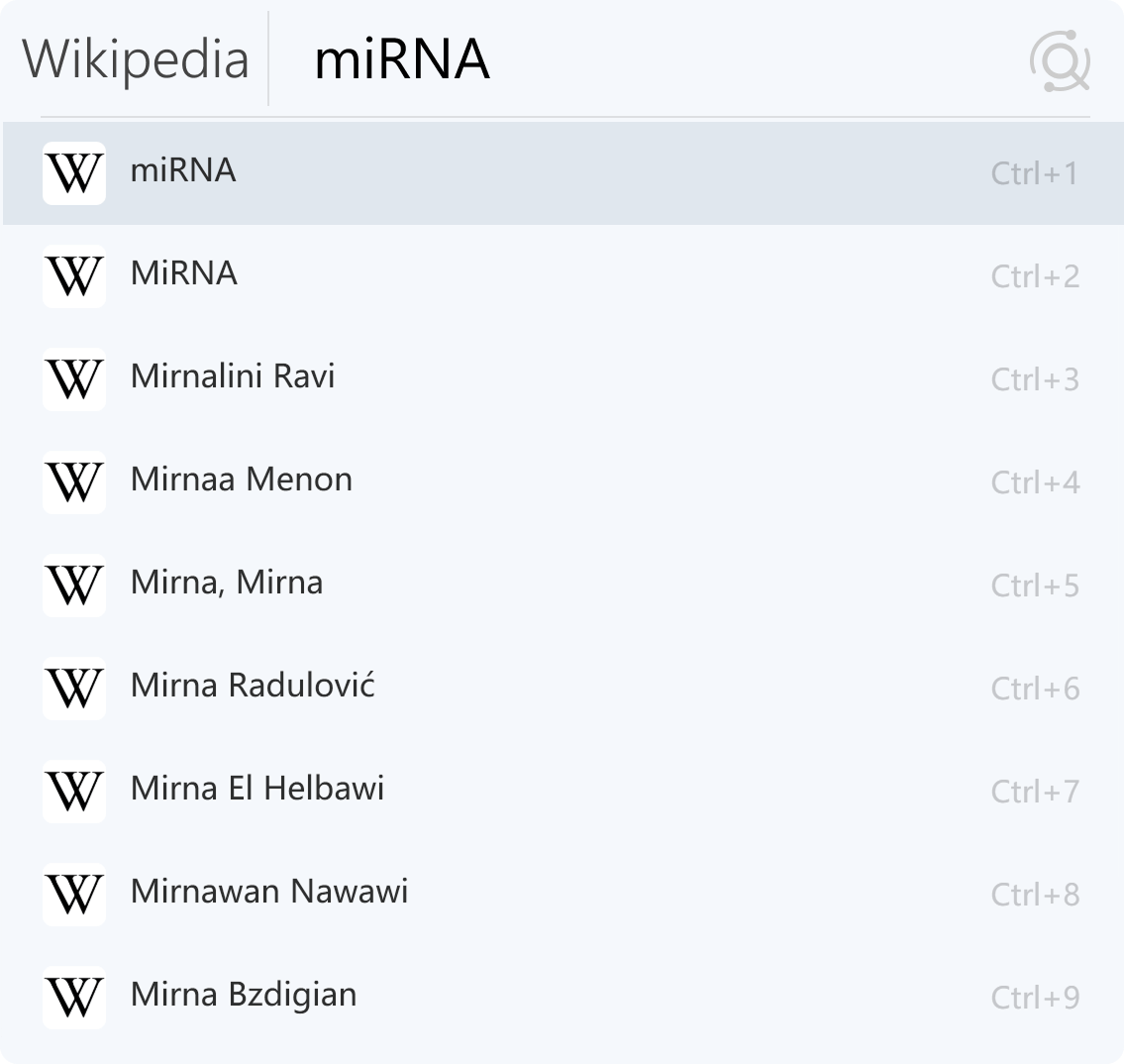
Unlock Listary's Power on Campus
Free DownloadFAQ
Students and teachers are eligible for an educational discount. Just email support@listary.com with proof of your status to apply.
Of course, Your license is tied to your account, and you can activate it on up to 3 devices you own. No need to worry about device limits.
Once you purchase, your software will automatically upgrade to Listary Pro. We'll also send you an email with your activation code. Make sure your email address is correct at checkout. Didn't get the email? Contact support@listary.com.
We provide full refunds within 30 days of purchase for Listary Pro — no questions asked. Please send your order number or email account to support@listary.com for a refund.
More questions? Visit our Help site →