Search Files

Find Any File, Instantly.

Search your files at lightning speed—no waiting, no hassle. Just type, and get exactly what you need.

Download Listary for freesearch-files-hero-section-image

Why Choose Listary for File Search?

Blazing Fast

Deep System Integration

Smart Ranking

No Learning Curve

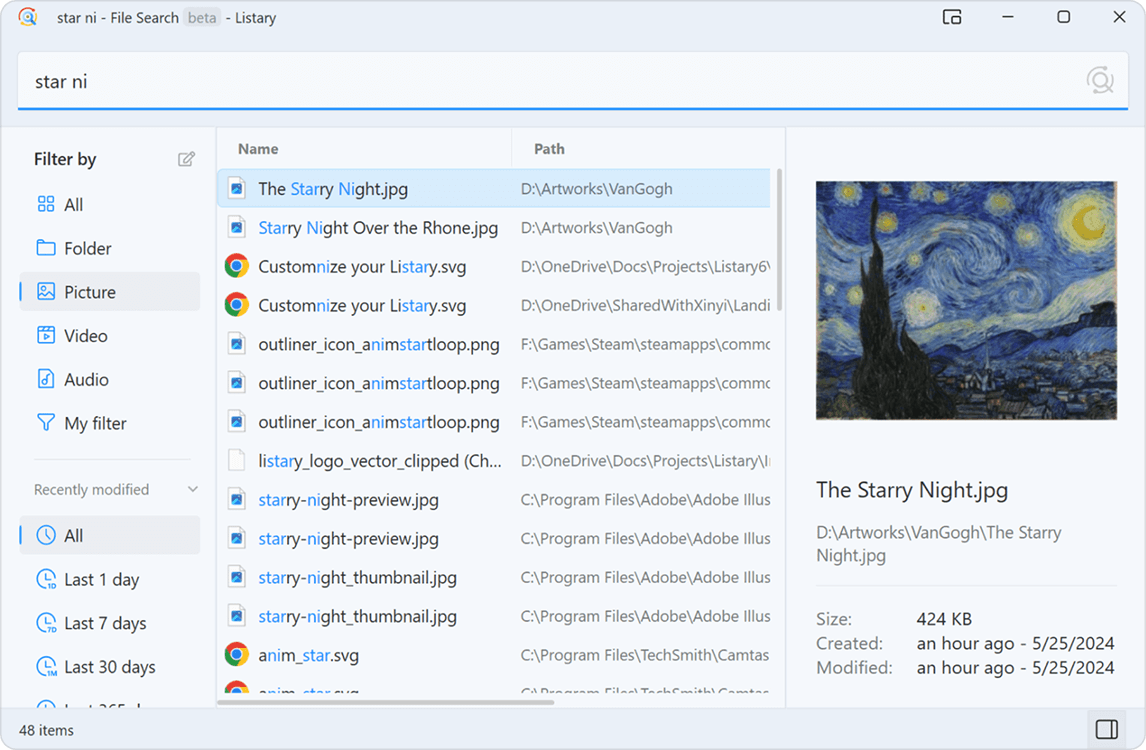
File Search Window

Find Everything, Effortlessly

Dashboard mockup

Lightning-Fast Search

Instantly find files and folders by name.

One-Click Filters

Filter by file type, date, and more with a single click.

Instant Preview

Press Alt+P to preview files without opening them.

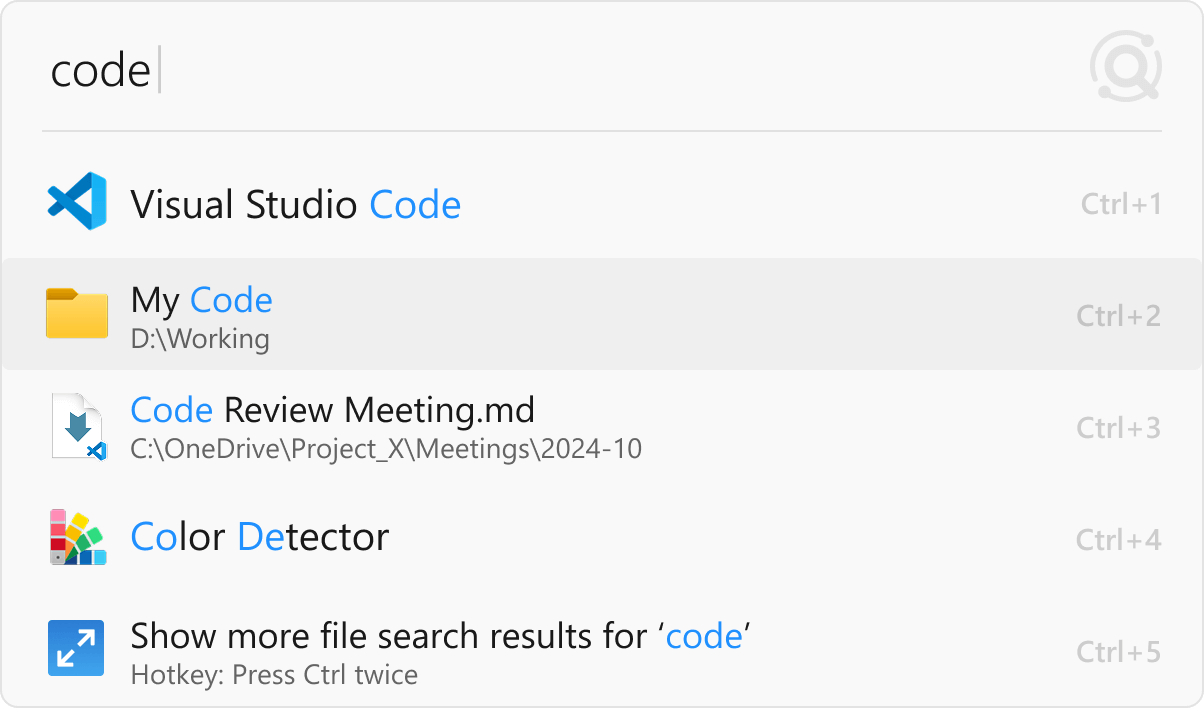
Launcher

Open Files & Apps in a Flash

Instant Access

Launch files and applications instantly for a seamless workflow.

Smart Ranking

Your most-used apps and files appear first—exactly when you need them.

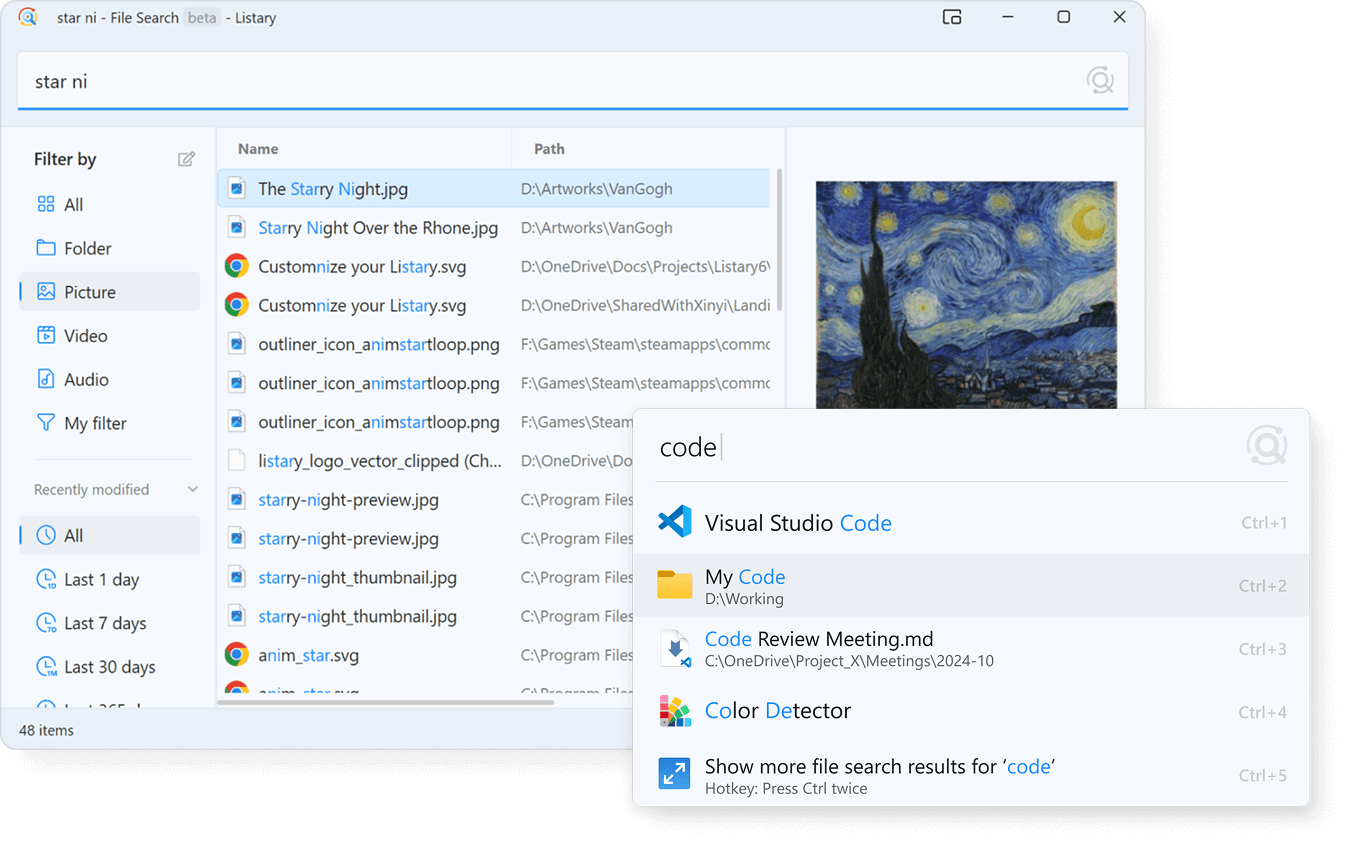
Switch to File Search

Easily switch to the File Search Window for more detailed searches.

Dashboard mockup

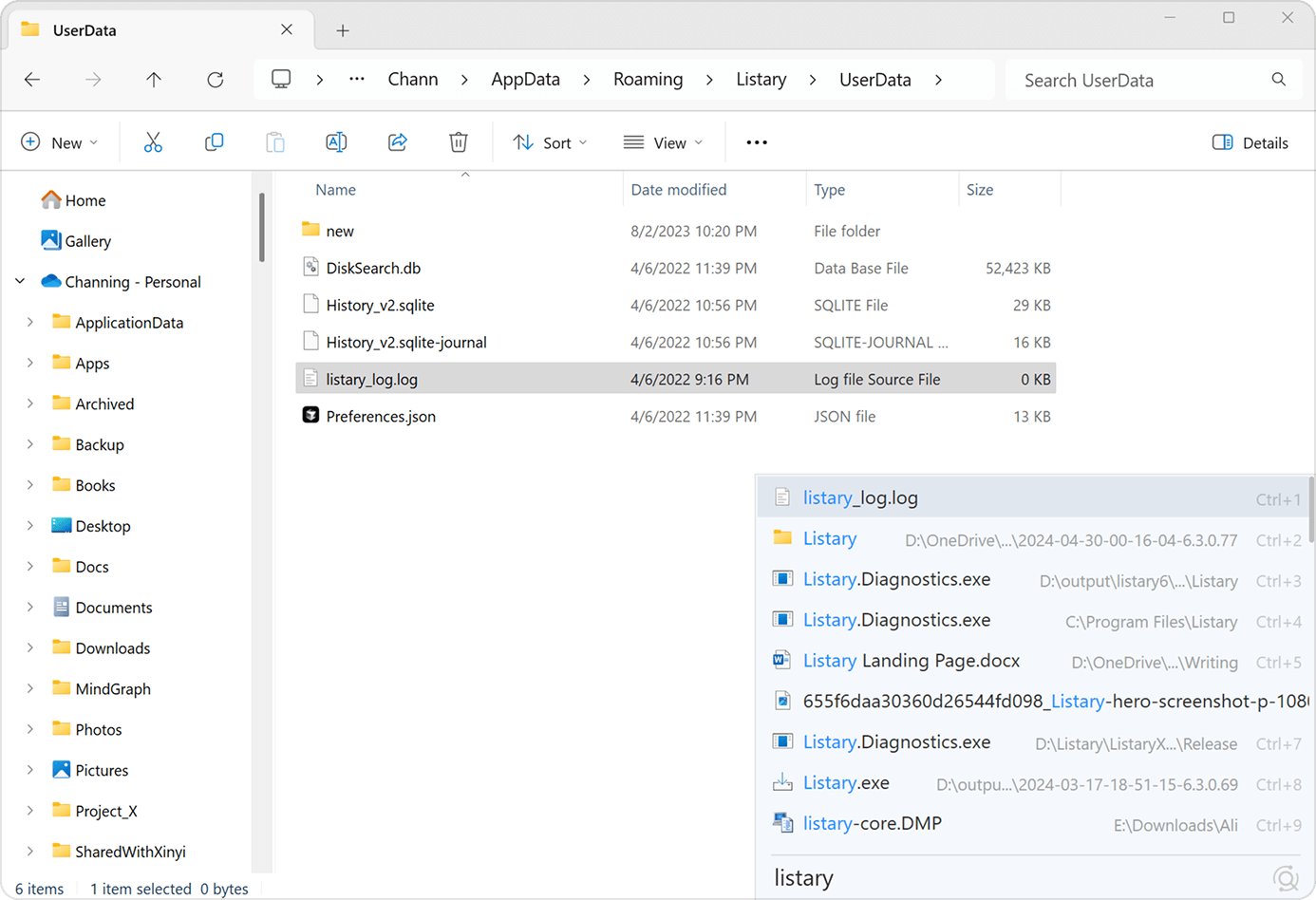
File Explorer Toolbar

Locate Files Instantly

Dashboard mockup

Type-to-Search

Just type in File Explorer to find files and folders—like a built-in Windows feature, but better.

Quick File Locator

Quickly locate the file you need, even in folders with thousands of files.

Custom Command Shortcuts

Run your custom commands directly from the current folder.

Power Your PC with Listary

Free Download

FAQ

More questions? Visit our Help site →